
爭分奪秒短的高壓環境下要寫出短代碼,首選Wolfram Mathematica
公司會思考該外包什麼,該留什麼。寫程式也要想想要外包什麼,自己要寫什麼.Wolfram語言捕捉使用者的需求,可讀性高的指令碼,如下簡單的範例
一行代碼完成大任務。


試用看這裡
首先下載15天試用版,步驟如下
進入試用版網頁 https://www.wolfram.com/mathematica/trial/
點選 Create a Wolfram ID


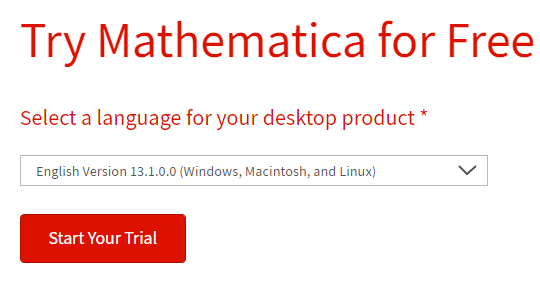
填完後跳到下個畫面 ,按 Start Your Trial

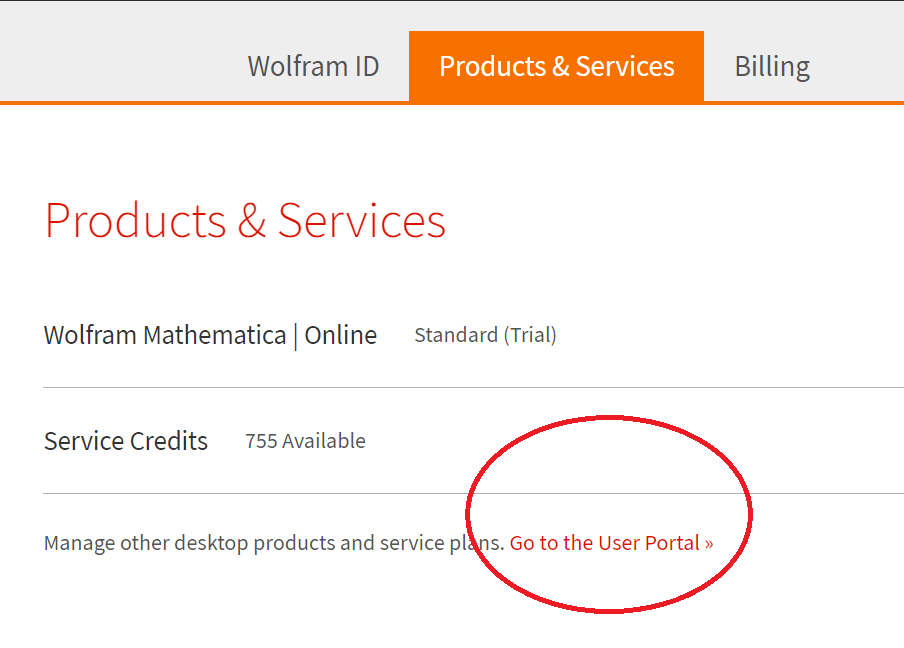
看到你的ID 再點選Products&Services

點選 Goto User Portable
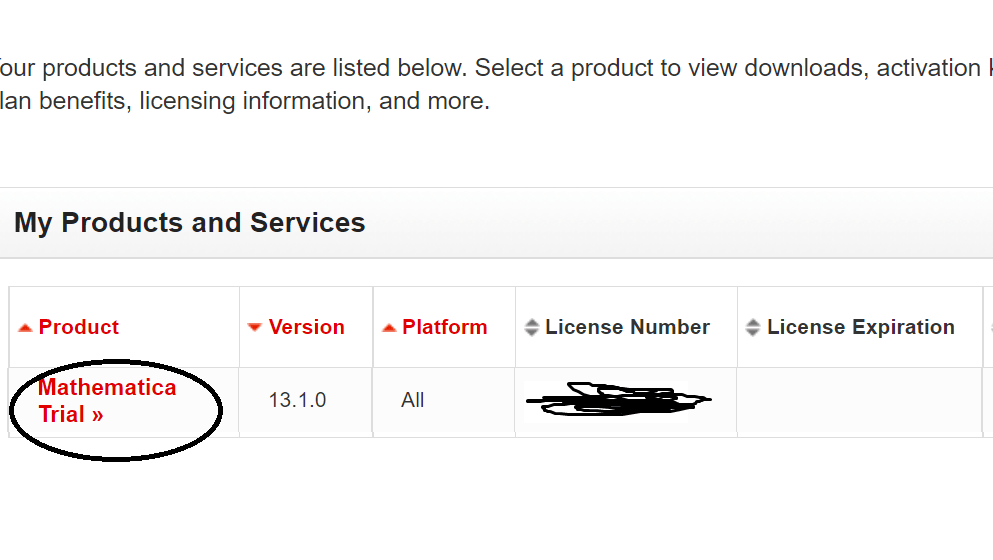
Activation Key是安裝後要輸入的金鑰,,在Download

選你的作業系統,並下載,注意你的硬碟的空間,
如果作業系統,是Windows請按這裡 https://support.wolfram.com/12440
如果作業系統是Mac 請按這裡 https://support.wolfram.com/12449
最後重新啟動,輸入金鑰 ,說明看這裡 https://reference.wolfram.com/language/tutorial/ActivatingMathematica.html
超級重要的第一步,文檔看這裡 https://reference.wolfram.com/language/tutorial/YourFirstWolframLanguageCalculations.html
視頻,就看這個 https://www.wolfram.com/broadcast/video.php?c=105&v=3076&p=1
 大叔工程雜學